
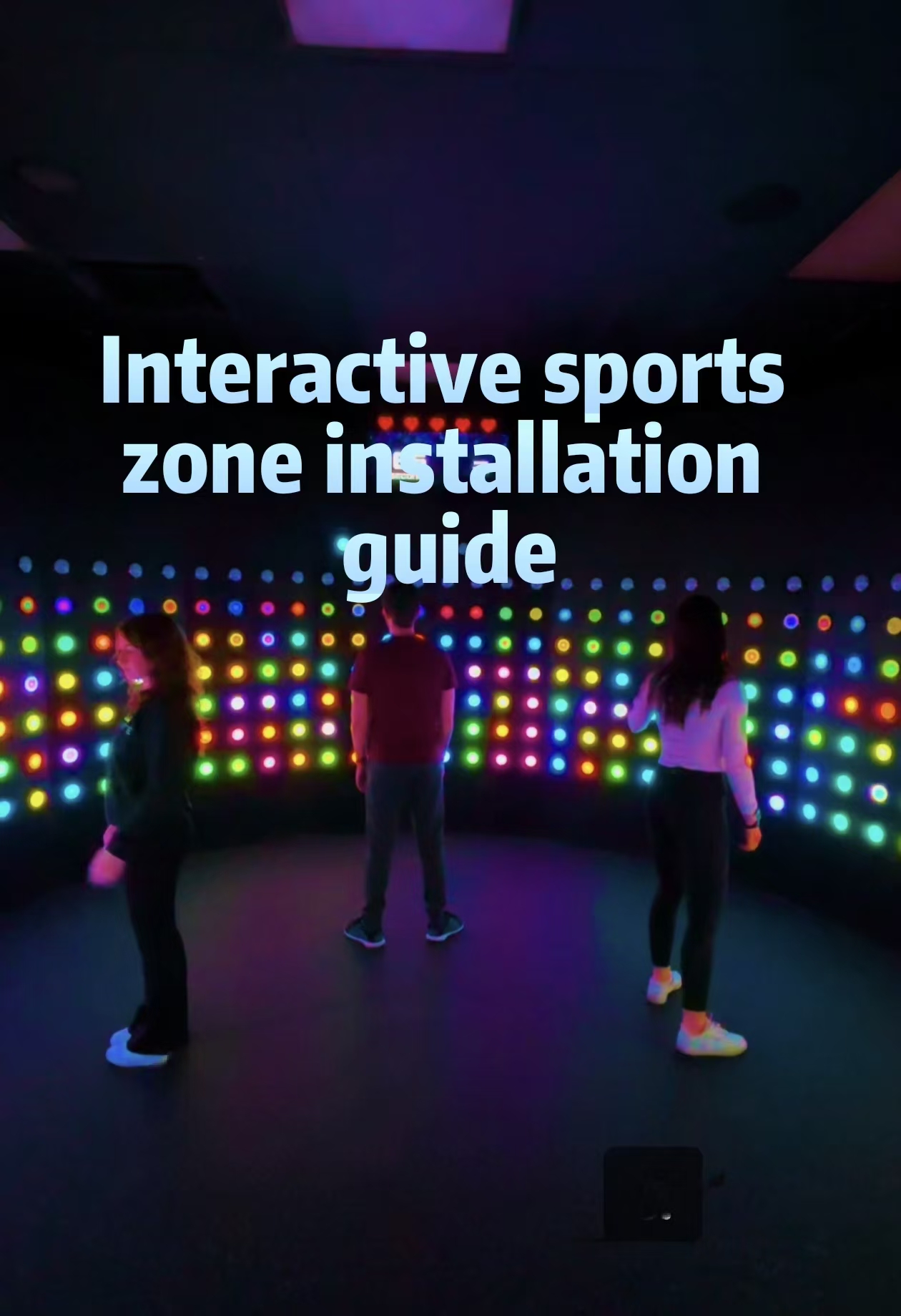

Looking for a comprehensive interactive sports zone installation guide? Whether you’re launching a new family entertainment center, upgrading an existing gym, or creating a corporate wellness facility, proper installation is critical for ensuring safety, optimizing performance, and maximizing long-term revenue. This interactive sports zone installation guide covers everything from pre-installation planning and site preparation to equipment calibration and staff training—helping you deliver a world-class athletic entertainment experience from day one.
Phase 1: Pre-Installation Planning
Site Assessment & Measurement
Before any equipment arrives, conduct a thorough site assessment documenting:
Floor dimensions with precise measurements (length, width, ceiling height)
Subfloor condition — concrete slab requirements, load-bearing capacity, moisture levels
Electrical infrastructure — dedicated circuits, voltage requirements, backup power needs
Network connectivity — ethernet ports, Wi-Fi coverage, bandwidth for cloud-based systems
HVAC considerations — heat load from equipment, ventilation for player comfort
Most interactive sports zones require minimum 200 sqm for basic configurations, with 400–800 sqm recommended for multi-attraction facilities. Ceiling height should exceed 3.5 meters for overhead projection and aerial challenge systems.
Permits & Compliance
Secure all necessary building permits, electrical approvals, and fire safety certifications before installation begins. Verify compliance with local accessibility requirements (ADA, EN 301549) and entertainment venue zoning regulations.
Phase 2: Infrastructure Preparation
Flooring Requirements
Interactive sports zones demand specialized flooring depending on attraction type:
| Attraction Type | Flooring Specification | Installation Notes |
|---|---|---|
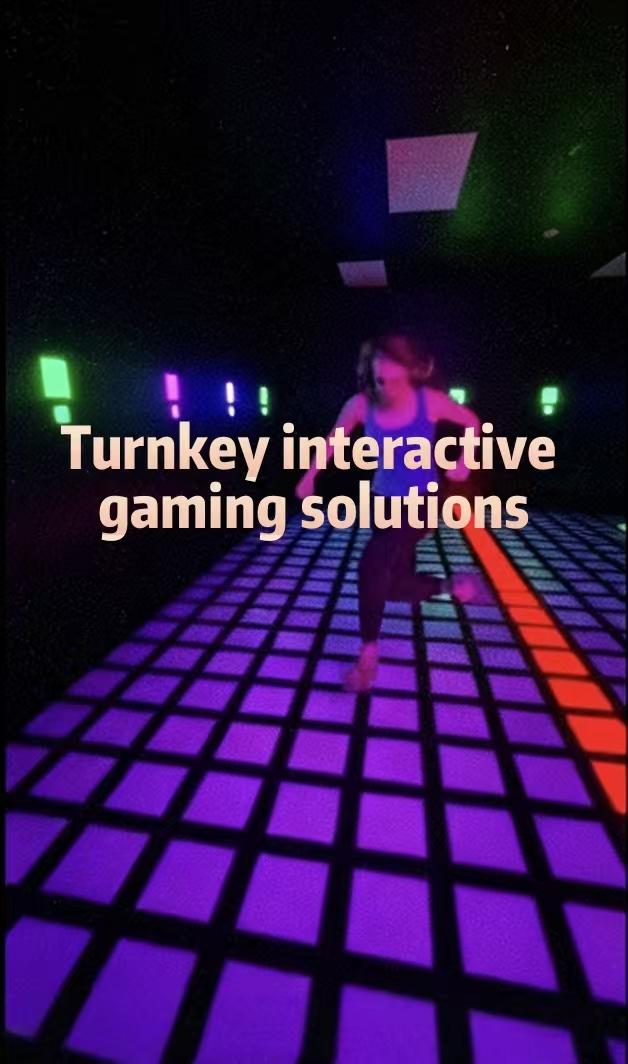
| LED Interactive Floors | Reinforced concrete + anti-slip coating | Level tolerance ±2mm across entire surface |
| Sports Simulators | Artificial turf or sprung sports flooring | Shock absorption for joint protection |
| Climbing Walls | Padded crash mats on firm subfloor | Mat thickness 300mm minimum |
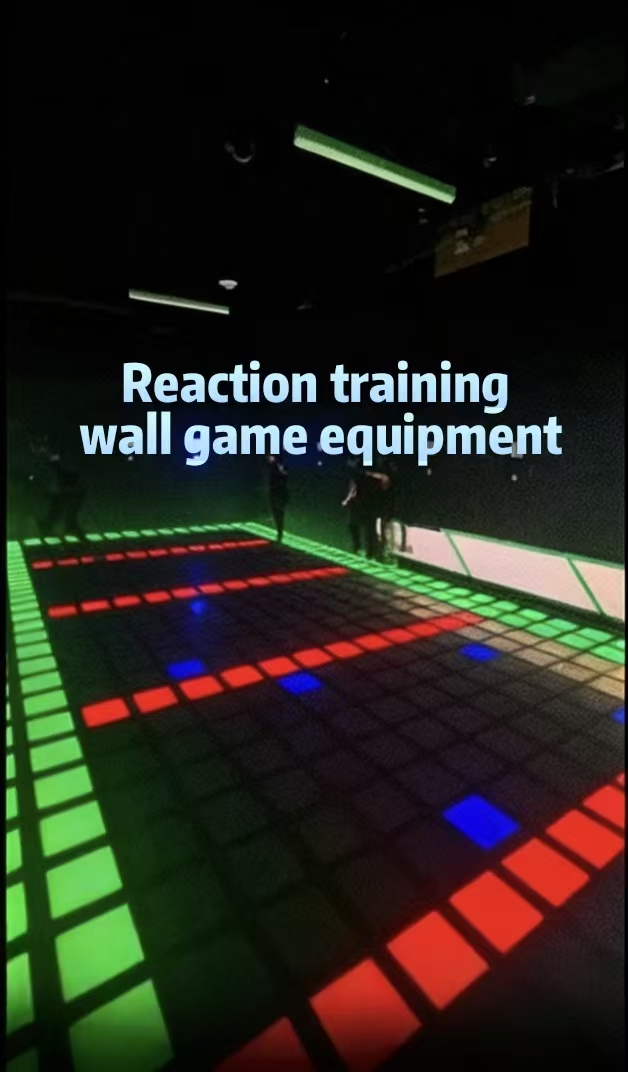
| Reaction Training Zones | Rubber composite sports flooring | Seamless joints to prevent tripping |
Electrical & Network Setup
Install dedicated electrical circuits with appropriate amperage for each system. LED floors typically require 220V/380V three-phase power with 20–40A breakers per 50 sqm zone. Network infrastructure should support minimum 100 Mbps per station for real-time scoring and cloud connectivity.
Phase 3: Equipment Installation
Delivery & Unpacking
Coordinate professional rigging services for heavy components. LED floor panels, projection systems, and climbing wall structures require specialized handling equipment. Inspect all components for shipping damage before signing delivery receipts.
Assembly & Mounting
Follow manufacturer specifications precisely:
LED floor panels — Interlocking grid system with integrated cable management
Projection systems — Ceiling-mounted with precise throw distance calibration
Motion tracking cameras — Positioned at optimal angles for full coverage without blind spots
Audio systems — Distributed speaker placement preventing sound bleed between zones
Calibration & Testing
Professional interactive sports zone installation requires extensive calibration:
Pressure sensitivity mapping for LED floors (±5% accuracy tolerance)
Motion tracking alignment ensuring sub-50ms latency
Audio-visual synchronization eliminating lip-sync issues
Network stress testing confirming stable connectivity under peak load
Phase 4: Safety Certification & Compliance
Third-Party Inspection
Engage certified safety inspectors to verify structural integrity, electrical safety, and emergency egress compliance. Obtain TÜV, CE, or ASTM certification documentation for insurance and regulatory purposes.
Emergency Systems
Install emergency stop buttons at accessible locations, fire suppression systems appropriate for electronic equipment, and clear evacuation signage with illuminated exit paths.
Phase 5: Staff Training & Soft Launch
Technical Operations Training
Train staff on daily startup/shutdown procedures, basic troubleshooting, and emergency response protocols. Maintain detailed equipment logs tracking performance metrics and maintenance schedules.
Customer Experience Training
Staff should understand game mechanics, scoring systems, and age-appropriate safety guidelines to facilitate engaging, secure experiences for all participants.
Soft Launch Protocol
Conduct limited preview operations with invited guests to identify operational issues, gather feedback, and refine session flow before grand opening.
Phase 6: Ongoing Maintenance & Optimization
Preventive Maintenance Schedule
| Component | Inspection Frequency | Action Items |
|---|---|---|
| LED floor panels | Weekly | Clean surfaces, inspect cable connections |
| Projection systems | Monthly | Filter cleaning, lamp/bulb life monitoring |
| Motion tracking | Quarterly | Recalibration, firmware updates |
| Safety padding | Monthly | Wear inspection, replacement scheduling |
Performance Analytics Review
Analyze utilization rates, peak hour patterns, and customer satisfaction scores monthly. Use data to optimize pricing, staffing, and content scheduling.
Conclusion
Following this interactive sports zone installation guide ensures your facility launches safely, operates efficiently, and delivers exceptional customer experiences that drive repeat visitation and strong revenue performance.

Leave a Reply